Mac app · Chinese
Pinyin and English over Chinese subtitles on your Mac
Uberlang for Mac reads the Chinese subtitles on your screen and adds pinyin, per-word English and a full-sentence translation, live, over the video you are watching.
macOS 14 or later · Apple Silicon and Intel · free to start
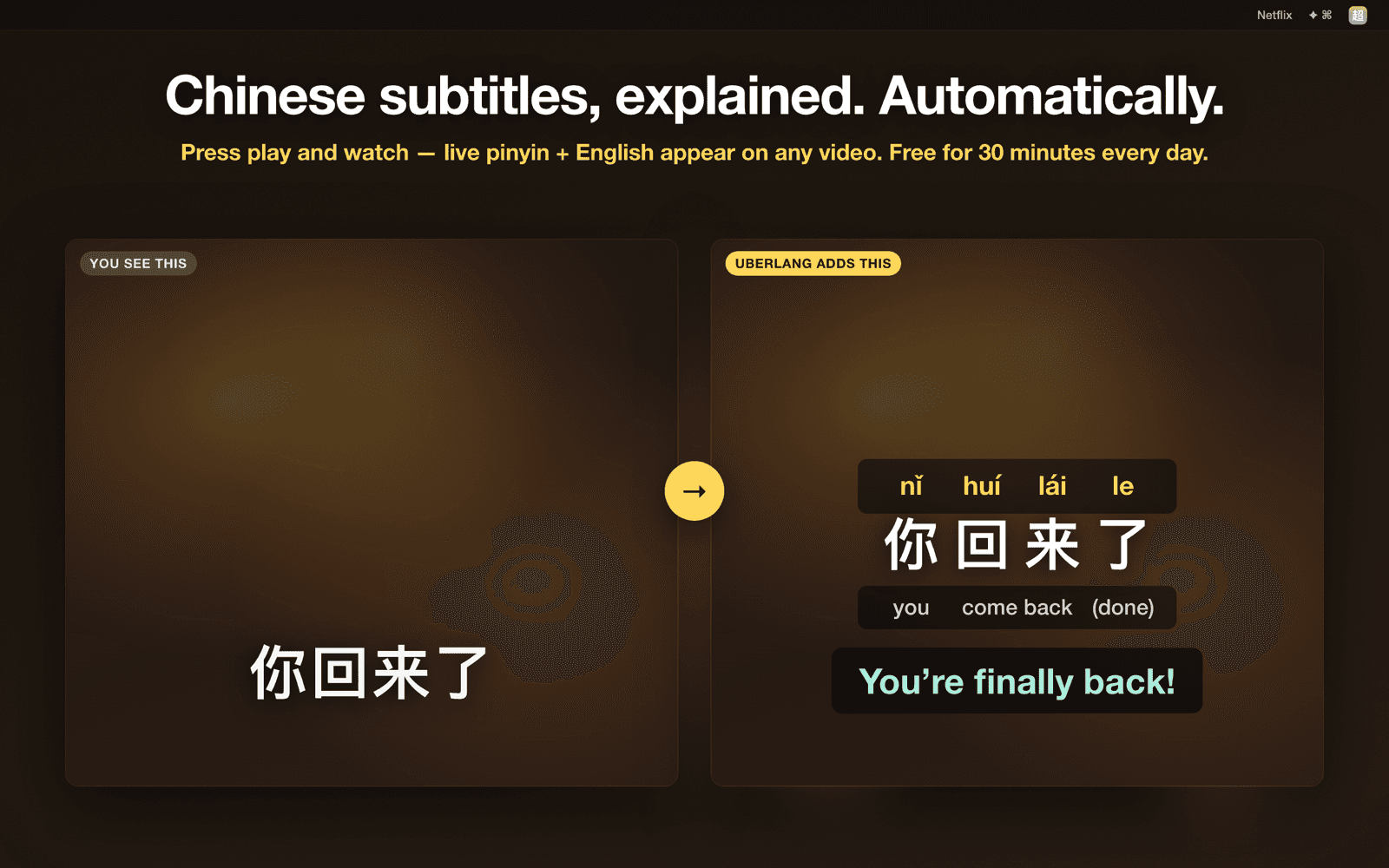
Netflix, YouTube and Viki in Chrome
Also works with other video players, including subtitles burned into the picture.
Processed on your Mac
Screen reading and translation run on device. Screenshots are never saved or uploaded.
Hover a word to save it
Saved words go to the same list as the Chrome extension when you sign in.
Free 30 minutes a day
Uberlang Pro gives unlimited captions, and the same subscription unlocks the extension and Windows app.
Use Chrome for Netflix and other protected video
Safari blocks screen capture of DRM-protected video such as Netflix, so Uberlang only sees a black frame there. Open those sites in Chrome instead. Requires macOS 14 or later; Apple Silicon and Intel.
Questions
Which languages does the Mac app support?
Chinese subtitles, shown with pinyin and English. For Japanese and Korean, use the Chrome extension.
Why does it need Screen Recording permission?
Uberlang reads the subtitles off your screen. The capture is processed in memory on your Mac and never saved or sent anywhere.
Is it on the Mac App Store?
The App Store version is coming. Until then, download it directly from this site.
How much is it?
Free for 30 minutes of captions a day. One Uberlang Pro plan removes the limit and covers every Uberlang app and language.